
v0.3.0
The Mobile & Skills Update
This release brings Digel to your pocket with PWA support (which means you can install it on your phone), while making the AI agent smarter with a new skills-based architecture. The agent is also now able to generate files for you in the chat, including spreadsheets, presentations and pdfs.
Asset Details View
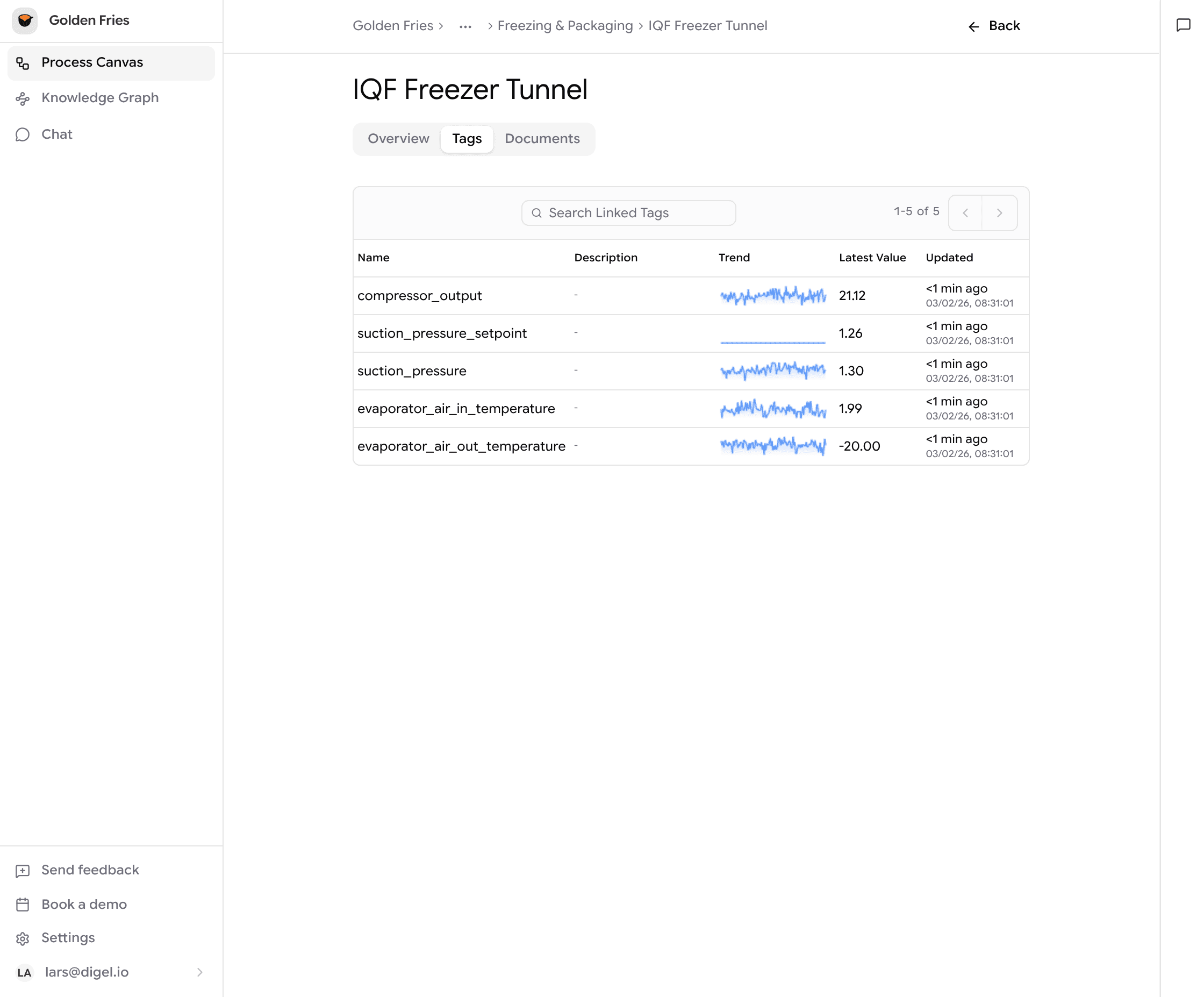
Double-click any asset on the canvas to open a detailed view with all relevant information, tags, and documents in one place. No more hunting through menus.
Digel AI
Skills-based Architecture
The agent now uses a skills-first approach built on a standardized skills architecture. It routes your questions to specialized skills, giving you faster and more accurate answers. Want to create your own? Just ask the agent and it'll help you build one. Our implementation is based on the Anthropic skills standard.
File Generation
Ask the agent to create Excel spreadsheets, PowerPoint presentations, or other files through code execution. Download them directly from the chat when ready. This means you can generate reports, summaries, presentations, and more without digging through systems to scavenge for data.
Dashboard Sub-agents
Say hello to Digel sub-agents! These smaller, specialized agents work together in parallel to build your dashboards faster. This is just the start, expect to see sub-agents helping out across more of the platform soon.
Excel Support
Upload Excel files (including macro-enabled .xlsm files) directly in chat. The agent will parse and analyze them alongside your other data.
Knowledge Graph
Work Orders
Work orders are now part of the knowledge graph. The agent can search, retrieve, and reason about work order data alongside your process and asset information.
Smarter Search
The agent now searches across your entire knowledge graph more intelligently, finding the right context even when your data is deeply nested.
Mobile & PWA
Install Digel as a Progressive Web App on your phone or tablet. Get push notifications for chat responses and enjoy a native-like experience with improved touch interactions.
QR Code Scanning
Scan a QR code on any asset to jump straight to its details. Perfect for quick lookups on the factory floor. This only works on mobile devices.